Wo aus jedem Webinar ein ganzer Monat voller Inhalte wird.

Plane, streame, bearbeite und nutze dein Webinar neu - alles auf einer Plattform. Alles in bester Qualität.
Geschätzt von Unternehmen
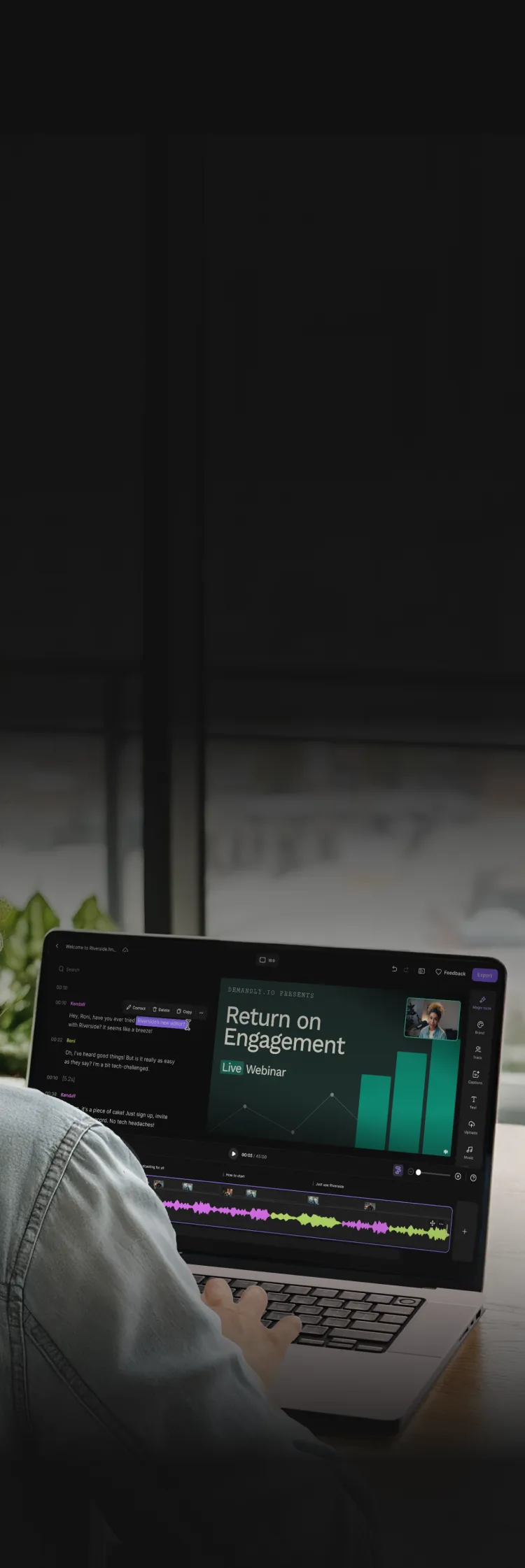
Person working on a laptop showing a video editing interfacePerson using a laptop editing a webinar video with chat transcript on screen.

Nicht nur das Webinar. Dein gesamter Workflow.

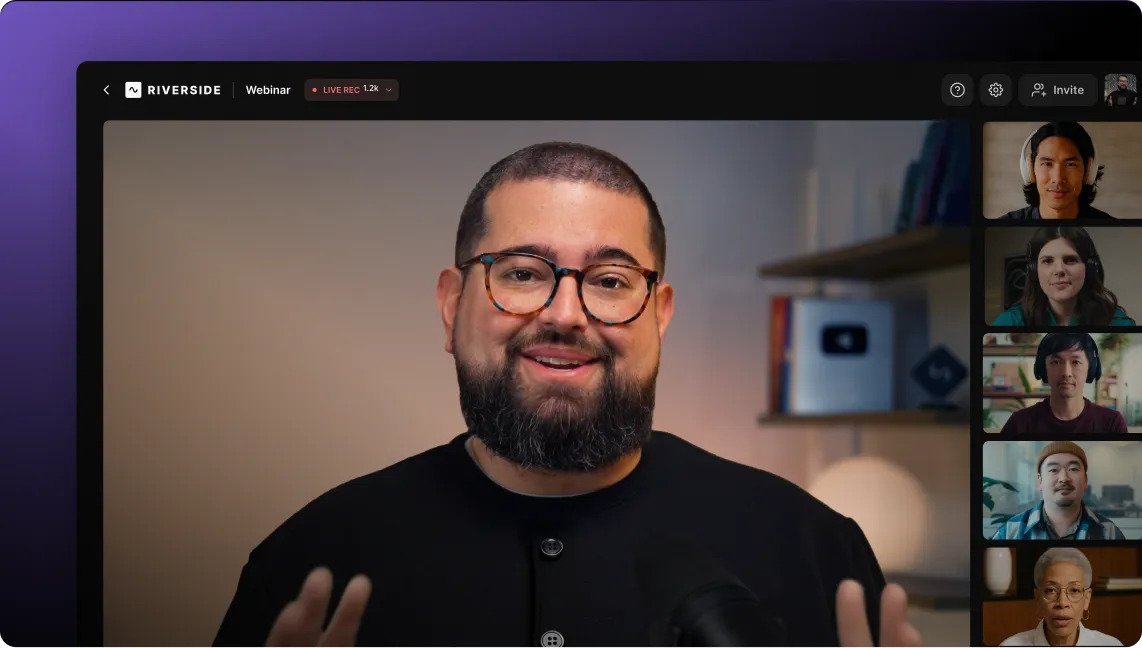
Streamen

Gehe live in bis zu HD Qualität, vor bis zu 10.000 Menschen, wenn du willst.

Aufnehmen

Nimm jeden Moment deines Webinars in 4K-Qualität mit glasklarem Audio auf.

Bearbeiten

Schneide, bearbeite, füge Untertitel und Overlays hinzu, verbessere den Klang und vieles mehr - ganz einfach.

Recyceln

Mit KI verwandelst du dein Webinar sofort in Clips, Zusammenfassungen oder Social-Media-Inhalte.

Webinare, die bleiben. Ergebnisse, die zählen.

Spotify logo with white text and circular icon on green background.

„Aus unserem aufgezeichneten Livestream konnten wir Clips schneiden, in einen Podcast umwandeln, Show Notes erstellen und Inhalte zugänglicher und weiterreichender machen.“

Warum sich Spotify für Riverside entschieden hat

Plane die Show.
Genieße die Ruhe vor dem Stream.

  • Schedule your webinar and send invites
  • Invite a producer to handle the tech
  • Customize layout, font, and branding
  • Host up to 10,000 attendees and 10 speakers
  • Let us handle the Email notifications and reminders

Stehle die Schau. Sei der Star des Moments.

Das komplette HD-Paket.

Stream in bis zu 1080p direkt im Browser. Riverside reduziert die Auswirkungen von Verbindungsproblemen durch Backend-Optimierung.

Laut und glasklar aufgenommen.

Alles wird bis zu 4K-Video und glasklarem Audio in separaten Spuren aufgezeichnet und in die Cloud hochgeladen, während du fortschreitest.

Gehe live überall.

Behalte alle Inhaltsoperationen bequem und sicher im Griff und gib deinen externen Mitwirkenden individuellen Zugriff.

Verbinde dich mit deinem Publikum.

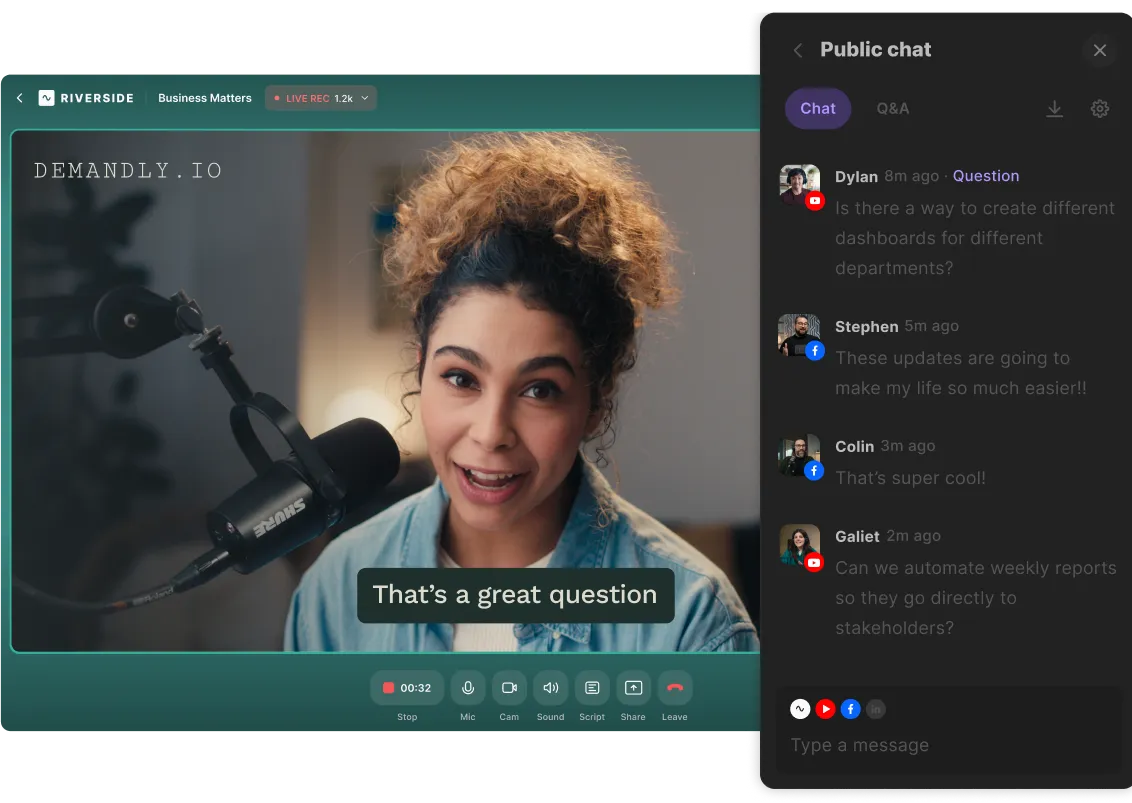
Verwandle Zuschauer in Teilnehmer mit Live-Chat, Q&A, Umfragen und Live-Anrufen. Denn Gespräche halten alle am Ball.

Vorab aufgenommen, perfekt abgespielt.

Lade vor der Sitzung beliebige Medien hoch, wie Intros, Demos, Präsentation und sogar komplette Vorträge, und drücke einfach auf Play.
Zeige, dass es funktioniert.
Denn was nach dem Live kommt, zählt genauso.

Eine Sitzung. Zahlreiche Assets.

Deine Aufnahme ist bereit, wenn du willst. Öffne sie im Riverside-Editor, um Highlight-Clips, Social-Media-Inhalte, Follow-up-Videos und vieles mehr zu erstellen. Alles aus einem einzigen Webinar.
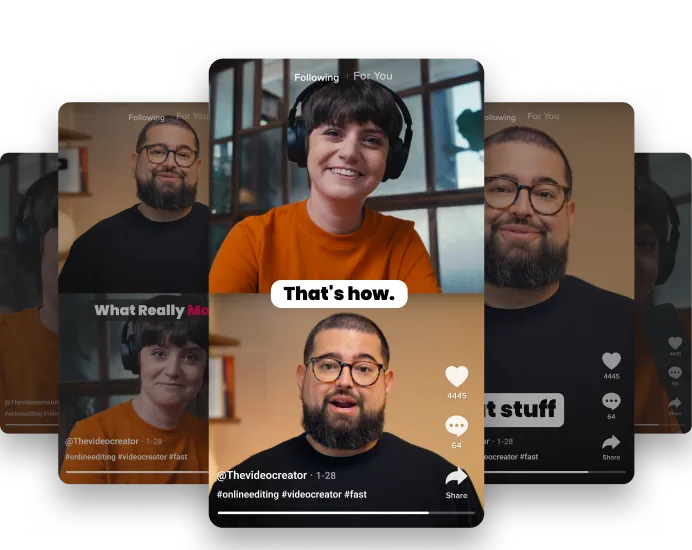
Split-screen TikTok video showing woman on top and a man speaking below.

Wenn Magie auf Daten trifft.

Behalte im Blick, woher deine Anmeldungen kommen und wie lange Teilnehmer dabei sind - so erfasst und qualifizierst du Leads und erzielst du Wirkung.

User interface with three contact cards showing names, emails, and dates, highlighting Stephen Robles's card with a cursor pointer icon.

Aus Insights wird Wirkung.

Alle deine Daten befinden sich in der Tabelle der angemeldeten Personen, die als CSV heruntergeladen oder direkt zu HubSpot als Kontakteigenschaften synchronisiert werden können. Dein Team wird dir danken.

Interface showing integrations with Salesforce and HubSpot, with a cursor clicking the Connect button for HubSpot.Integration section showing Salesforce and HubSpot icons with a cursor clicking the Connect button for HubSpot.

Webinare, die bleiben. Ergebnisse, die zählen.

Frequently Asked Questions

You can host up to 10 on-screen participants on Riverside, including 1 host and 9 recorded guests.

Viewer limits depend on your plan:

  • Webinar plan: Up to 100 registered viewers.
  • Business plan: Up to 10,000 viewers.

For more details about these offerings, check out Riverside’s plans and pricing.

Up to 10,000 audience members can watch a live recording session on Riverside.

Track attendees through pre-registration or collect details when they join via a direct link. You can also sync attendee data with HubSpot or Salesforce to manage leads. To expand your reach further,  multistream your webinar to social media platforms and custom RTMP destinations.

Riverside streams your live webinars to other platforms at up to 1080p resolution on Live, Webinar, and Business plans.

On Free and Pro plans, you can only host a live session directly in Riverside at 720p.

Livestream quality adjusts based on your internet connection to maintain stability. This does not affect your final recording quality.

Riverside records webinars in up to 4K video and 48kHz audio quality.

Each participant records locally on their device, so internet issues during the live session do not reduce the final recording quality. Your finished webinar remains high resolution and clear.

Yes, you can fully brand your webinars on Riverside.

You can customize branding at every stage:

Before the webinar:

  • Create branded registration pages.
  • Customize automated reminder emails.

During the webinar:

  • Customize studio layouts.
  • Add logos and branded backgrounds.
  • Use video overlays and lower thirds.

After the webinar:

  • Save branded presets.
  • Add text, images, overlays, B-roll, and captions.

Use chat-based editing to apply branding and edits quickly.

Yes, you can easily repurpose your webinars for different platforms using Riverside’s AI repurposing tools.

Use the AI editing agent, Co-Creator, to turn your webinar into clips, blog posts, newsletters, social media posts, summaries, and show notes just by chatting. 

To use Co-Creator:

  • Upload or record a video.
  • Go to “Projects”, select your video, and, from the “Recordings” tab, click “Edit” to access the editor. 
  • Click “Co-Creator” in the toolbar to access our AI assistant.
  • Prompt the AI to generate the content format you need (e.g. “turn my content into a LinkedIn post” or “generate a blog post”).

You can also use our clip maker to create short, shareable clips for social media. To use Magic Clips:

  • Upload or record a video.
  • Go to “Projects”, select your video, and, from the “Made for You” tab, you’ll see clips already made for you. 
  • You can customize clips by clicking “Edit.

To generate more clips, click “Create” on the top right and then select “Magic Clips”.

A webinar is a live or pre-recorded online event where a host presents to a remote audience over the internet. It allows you to share video, audio, slides, and presentations while interacting with viewers with features like chat, polls, or Q&A.

Webinars are commonly used for:

  • Marketing and lead generation.
  • Online workshops or training sessions.
  • Product demos and launches.
  • Panel discussions or virtual events.
  • Internal company meetings or education.

With Riverside, you can host live webinars in 1080p, record them locally in 4K, and then repurpose the session in minutes with AI.

Common webinar mistakes to avoid include poor quality, lack of audience engagement, and insufficient preparation. These issues reduce retention and overall effectiveness of your event.

  • Poor audio quality: Viewers tolerate lower video quality, but bad audio causes them to leave quickly.
  • No audience interaction: Not using interactive features makes webinars feel passive and disengaging.
  • Technical problems: Unstable connections, wrong settings, or a lack of technical preparation disrupt the experience.
  • Too much promotion, not enough value: Audiences expect useful insights, not just sales pitches.

No clear structure: Disorganized presentations confuse viewers and reduce retention.

No, webinars are not outdated. Webinars remain an effective tool for live engagement, lead generation, and content marketing.

Modern webinars help you:

  • Reach large global audiences instantly.
  • Build connection and trust with live call-ins, polls, and Q&A.
  • Generate leads by syncing attendee data with popular CRM platforms.

Create more content by repurposing key moments into clips, blog posts, and social media content.

Webinare, die Erfolg bringen. Aber auch Spaß.

Alles, was du brauchst , um ein Webinar zu erstellen. Und noch viel mehr.