So klingt der coolste Audio-Enhancer.

Magic Audio ist dein KI-Tool für besseren Klang. Professionelle Audioqualität, egal, welches Mikrofon du nutzt. Sogar das am Handy oder Laptop reicht aus.

Dank maschinellem Lernen anhand von Millionen von Aufnahmen* entfernt Magic Audio Störgeräusche und sorgt für ein sattes, immersives Klangerlebnis.

Kurz gesagt: Deine Aufnahmen klingen, als kämen sie aus dem Profi-Studio ganz egal, wo du sie gemacht hast.

Los geht's
*Deine Daten werden nicht zum Trainieren des Modells genutzt.
EIN
AUS
Probiere es aus!
s
Magic Audio
Hear_the_difference.WAV
Geschätzt von Einzelpersonen und Unternehmen

Auf jedem Bildschirm in deiner Nähe anzeigen.

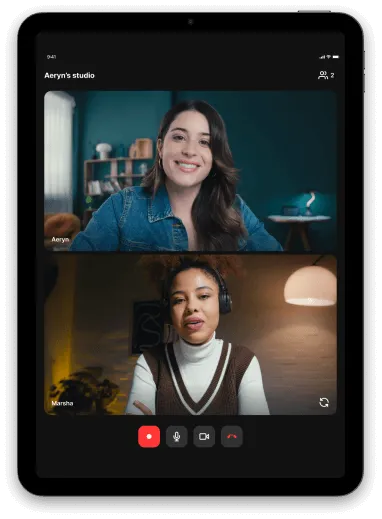
Tablet screen showing a video call with two women, one wearing a denim jacket and the other wearing headphones and a brown vest over a white shirt.

iPad

Unsere iPad-App bringt die mobile App auf einen größeren und helleren Bildschirm.
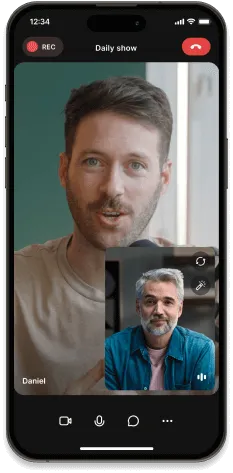
iPhone screen showing a video call between two men, one named Daniel, with ongoing recording indicated.

Telefon

Du und deine Gäste könnt unterwegs mit der App teilnehmen oder sie einfach als Zweitkamera verwenden oder dein Telefon in eine 4K-Webcam verwandeln.
Mehr erfahren
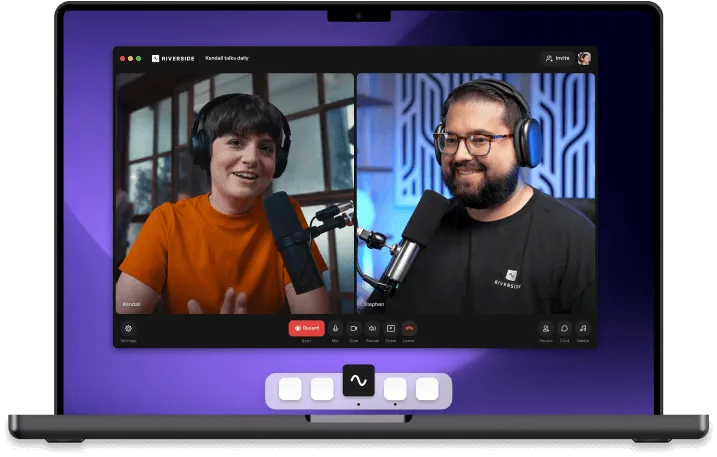
Laptop screen showing a video call between two people wearing headphones and speaking into microphones on a purple background.

Mac

Bringe dein Studio auf deinen Laptop oder Desktop, aber halte alle Browser-Ablenkungen daraus.
Mehr erfahren

Störgeräusche einfach entfernen.

01

Aufnahme öffnen

Finde alle bisherigen Aufnahmen in Riverside oder lade neue Audio- oder Videodateien mit einem Klick auf „Hochladen“ hoch.
Alle gängigen Formate wie MP3, WAV, OGG, MP4, MPEG und WEBM werden unterstützt.
02

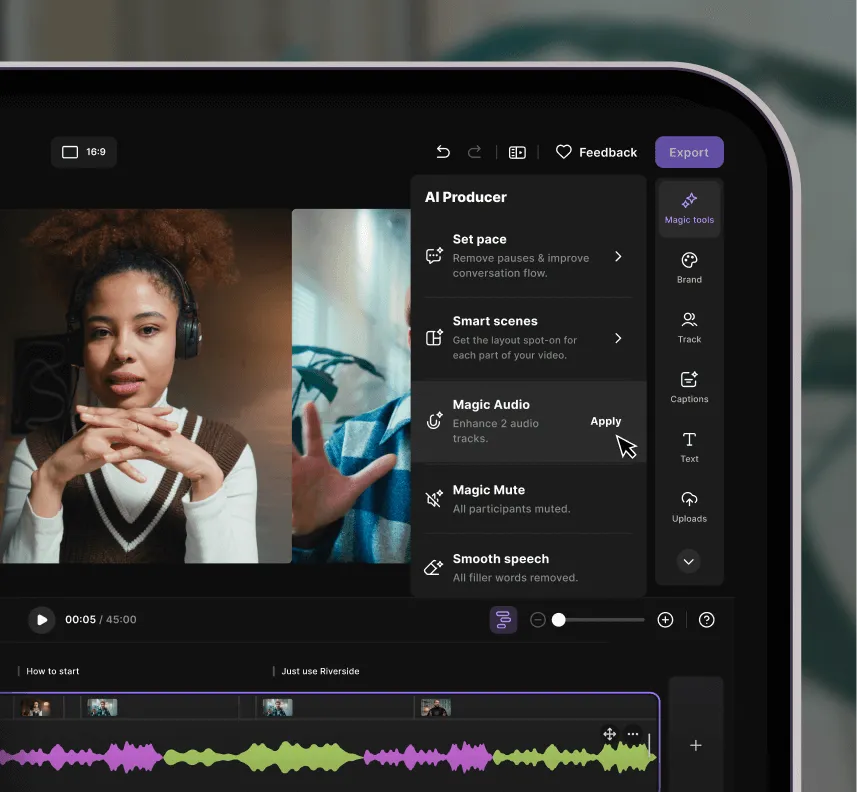
Klicke auf „KI-Producer“

Die Leiste mit allen Optionen öffnet sich. Scrolle nach unten und wähle „Magic Audio“ aus. Die Bearbeitung dauert nur wenige Sekunden.
03

Genieße deinen neuen Sound

Das war’s! Spiele deine Aufnahme ab und genieße Studioqualität.
Video editing interface showing AI Producer menu with options like Set pace, Smart scenes, Magic Audio, Magic Mute, and Smooth speech, alongside video clips and audio waveform editor.

Ein Audio-Enhancer-Tool – viele Möglichkeiten.

Podcasts

Egal ob alleine, mit Gästen, als Video oder Audio – Magic Audio nutzt KI-Technologie, um die Qualität deines Podcasts zu verbessern.
Two men wearing headphones having a video call, one in a checkered shirt and orange beanie, the other with long hair and beard in a dark jacket.

Social Media Clips

Erstelle unterwegs Clips für Insta, YouTube, TikTok & Co. – mit Spitzensound, auch vom Handy.
Digital interface showing multiple video clips of two people conversing, arranged in a carousel layout.

Geschäftsmeeting

In Meetings klingen alle Teilnehmenden klar, auch wenn jemand das Mikro nicht gemutet hat. Magic Audio entfernt Störgeräusche und schaltet Spuren stumm.
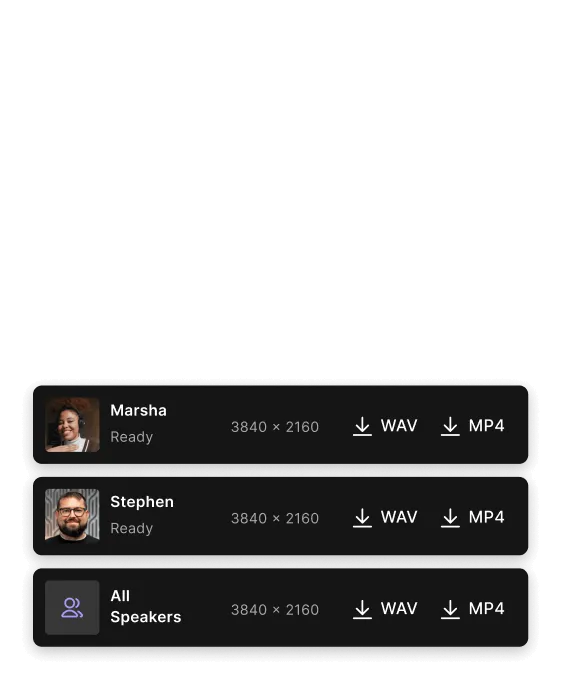
Download options screen showing three audio and video files labeled Marsha, Stephen, and All Speakers, each with 3840 x 2160 resolution and buttons to download WAV and MP4 formats.

Interviews

Gäste nehmen per Handy oder Laptop auf? Mit Magic Audio klingt jede Aufnahme professionell.
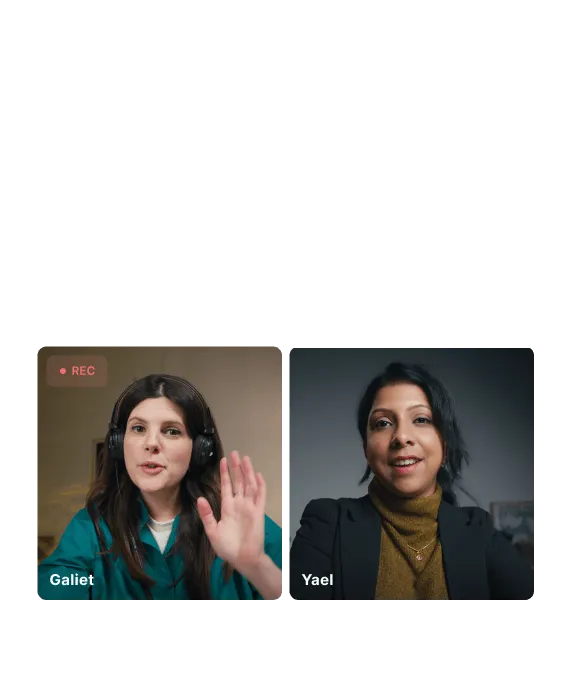
Split-screen video call showing two women, Galiet on the left wearing headphones and waving, and Yael on the right smiling.

Sprachaufnahmen

Ob Memo, Kundenanruf oder Song-Demo, alles klingt gestochen scharf.
Colorful audio waveform with purple and blue bars and three white sparkle icons above.

Tutorials

Erstelle professionelle Tutorials und Produktdemos direkt an deinem Schreibtisch.
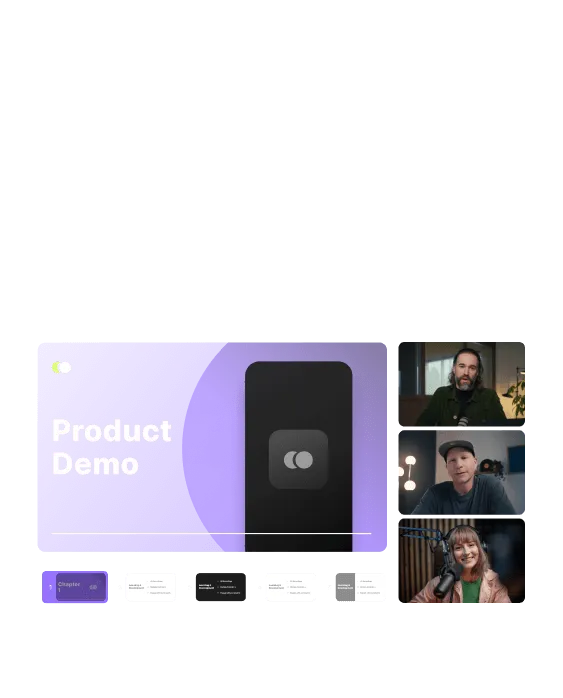
A virtual meeting screen with a purple slide titled 'Product Demo' on the left and three people in video call windows on the right.

Warum Magic Audio - der benutzerfreundliche KI-Audio-Enhancer

Fünf smarte KI-Tools in einem – für einfache Audiobearbeitung:
01

Hintergrundgeräusche
entfernen

Entferne unerwünschte Hintergrundgeräusche mit einem Klick. Entferne Störgeräusche wie Straßenlärm oder Waschmaschine mit einem Klick.
02

Hall und Echo
reduzieren

Hast du kein Studio mit Schallisolierung? Kein Problem. Magic Audio entfernt Echo und Hall für einen klaren Sound.
03

Equalizer

Automatische Anpassung der Frequenzen und Pegel für optimalen Klang auf allen Spuren.
04

Sprachverstärker

Mildert harte Töne und gleicht Lautstärke oder Verzerrungen aus.
05

Lautstärke und Pegel automatisch ausgleichen

Für ausgewogenen, professionellen Sound – ganz automatisch.

Noch mehr Gründe für Magic Audio?

Intuitiv auch
für Einsteiger
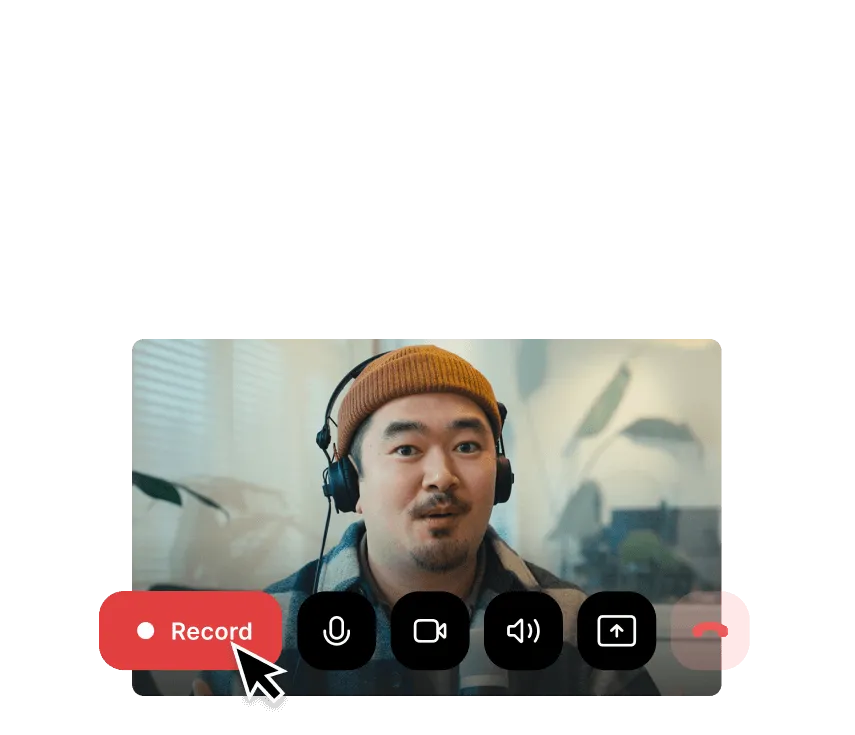
Magic Audio ist für alle – ganz ohne Vorkenntnisse. Alles, was du brauchst, ist eine Aufnahme deiner Ideen.
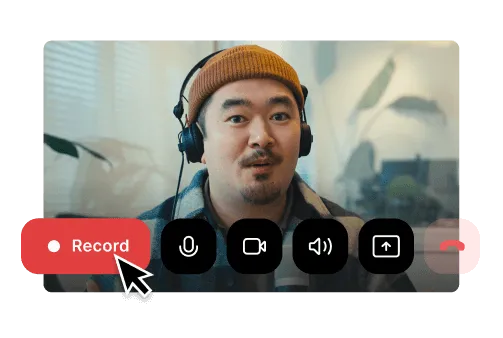
Man wearing headphones and a brown beanie, on a video call interface with a cursor clicking the red Record button.Man wearing a brown beanie and headphones with video call controls and a red 'Record' button highlighted by a cursor.

Funktioniert mit allen gängigen Audio- und Videoformaten
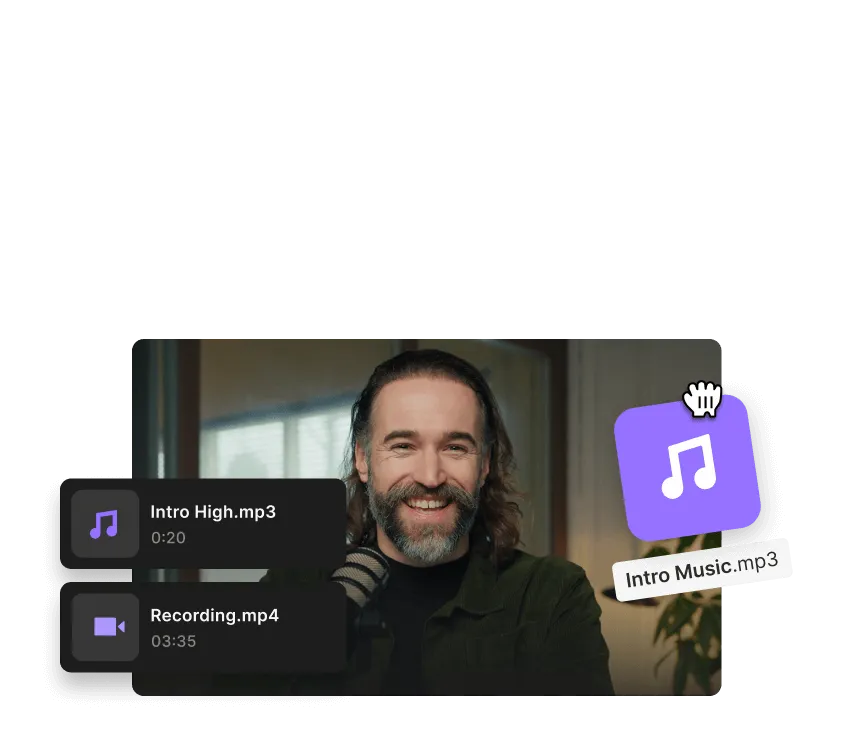
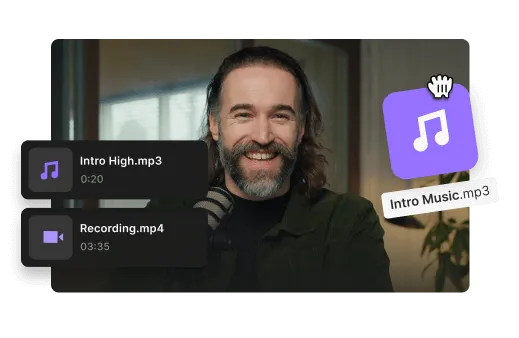
Lade deine Dateien direkt ins Studio hoch und lege gleich mit Magic Audio gleich los.
Smiling man with long hair and beard in front of a microphone, with audio and video file icons labeled Intro High.mp3 and Recording.mp4.Smiling man with a beard and long hair in front of a microphone with audio and video file icons labeled Intro High.mp3 and Recording.mp4.

Hol das Beste aus deinem Sound mit Magic Audio

Los geht's

Frequently Asked Questions

An AI audio enhancer is a software tool that uses artificial intelligence to improve the overall sound quality of audio or video recordings. It can be used in post-production to clean up a noisy interview or in real time during recording or livestreaming.

Unlike a standard audio equalizer, which adjusts specific frequency bands like treble or bass, an AI audio enhancer improves the overall quality of a recording. Sound equalizing can be a part of this process.

The main features of an AI audio enhancer include:

  • Removing or reducing background noise.
  • Minimizing or eliminating reverb and echo.
  • Increasing sound clarity and speech enhancement.
  • Sound equalizing to adjust frequency bands.
  • Sound restoration when the quality of the audio track is very low.


AI audio enhancers are commonly used for podcasts, videos, livestreams, voiceovers, tutorials, and customer content.

You can improve low-quality audio by optimizing both your recording setup and your editing process.

Here are some tips:

To improve audio pre-production:

  • Record in a quiet or sound-treated room.
  • Use a quality external microphone.
  • Wear headphones.
  • Record in high resolution.
  • Export uncompressed audio files.

To improve audio post-production:

  • Use an equalizer to balance frequencies.
  • Remove filler words and silences.
  • Apply an AI audio enhancer.
  • Reduce background noise and echo.
  • Edit separate tracks individually when possible.

Starting with clean audio makes enhancement tools more effective.

Magic Audio is Riverside’s AI-powered audio enhancer that automatically improves the sound quality of your recordings with one click. It reduces background noise, balances volume levels, removes reverb, and enhances voice clarity.

The end result makes your audio sound polished and studio-quality without manual editing.

The best way to achieve professional audio is to record clean audio before applying enhancement.

Best practices include:

  • Record in a quiet, sound-treated room.
  • Use soft furnishings to reduce echo.
  • Position your microphone about a fist’s distance from your mouth.
  • Use a pop filter to reduce plosives.
  • Wear headphones to prevent audio bleed.

Clean recordings produce better enhancement results.

Magic Audio works independently of language or accent because it enhances sound characteristics rather than transcribing speech. It improves audio quality by reducing noise, balancing levels, and clarifying voice tone.

It can identify the characteristics of the human voice and separate it from background noise, but it’s language-agnostic. The key factors that can affect results are microphone quality, mic distance, room acoustics, background noise, and speaker overlap.

To get the best results with Magic Audio, you need at least basic audio equipment for clean audio.

We recommended:

  • A quality USB or XLR microphone.
  • Closed-back headphones.
  • A pop filter or foam windscreen.
  • Basic room treatment such as rugs, curtains, or soft furnishings.

Better source audio leads to stronger enhancement results.

Willst du Magic Audio von Riverside selbst erleben?

Los geht's
*Keine Kreditkarte erforderlich. Kostenlose Version verfügbar.