
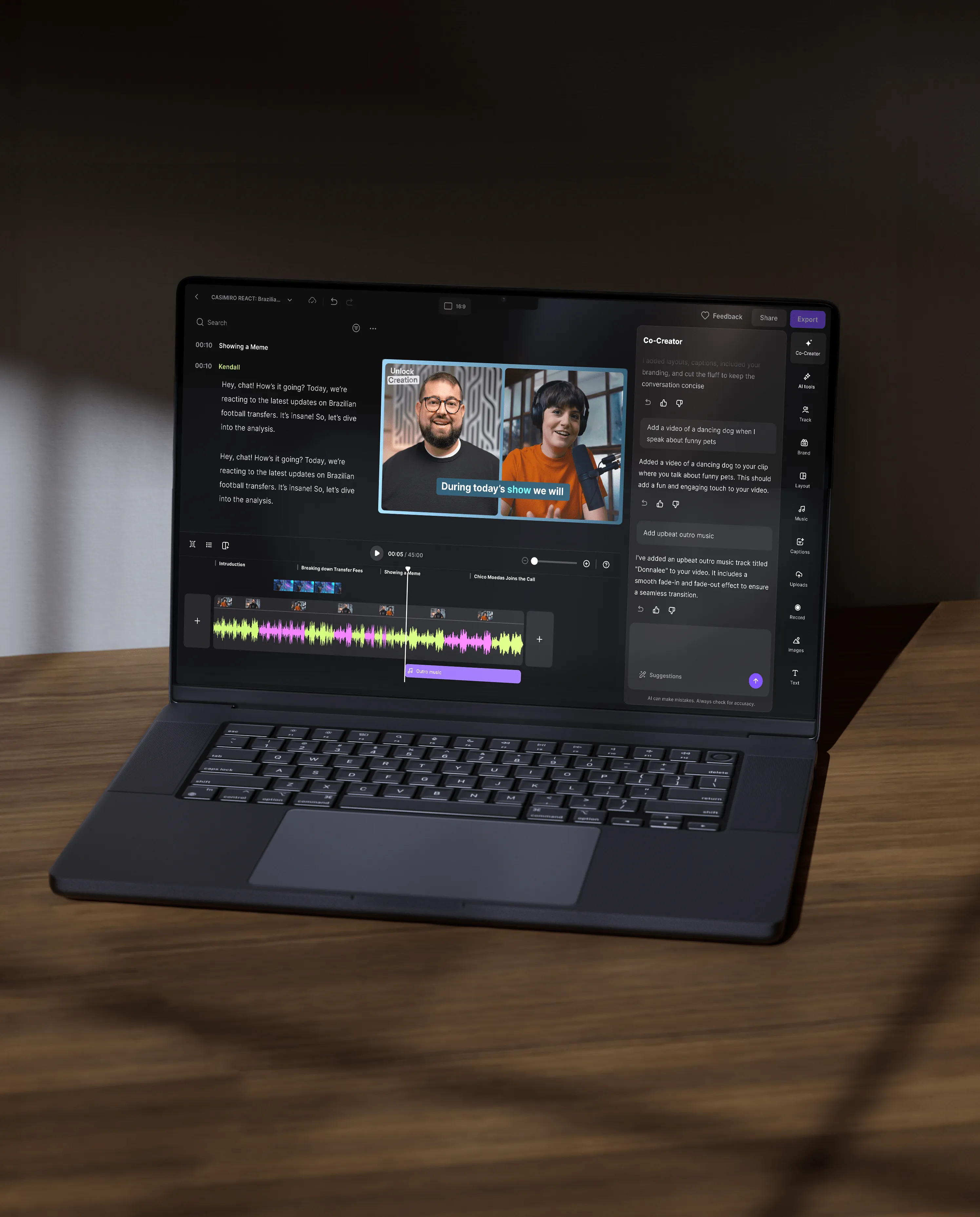



Co-Creator is Riverside’s AI editing and repurposing agent built directly into the editor. It helps you edit recordings, generate clips, and turn content into ready-to-share assets by simply chatting with it.
Co-Creator differs from traditional video editing tools because it acts as an active AI partner inside your editor. Instead of editing manually, you can chat with Co-Creator to apply full edits, style your video, create clips, and even repurpose videos into assets.
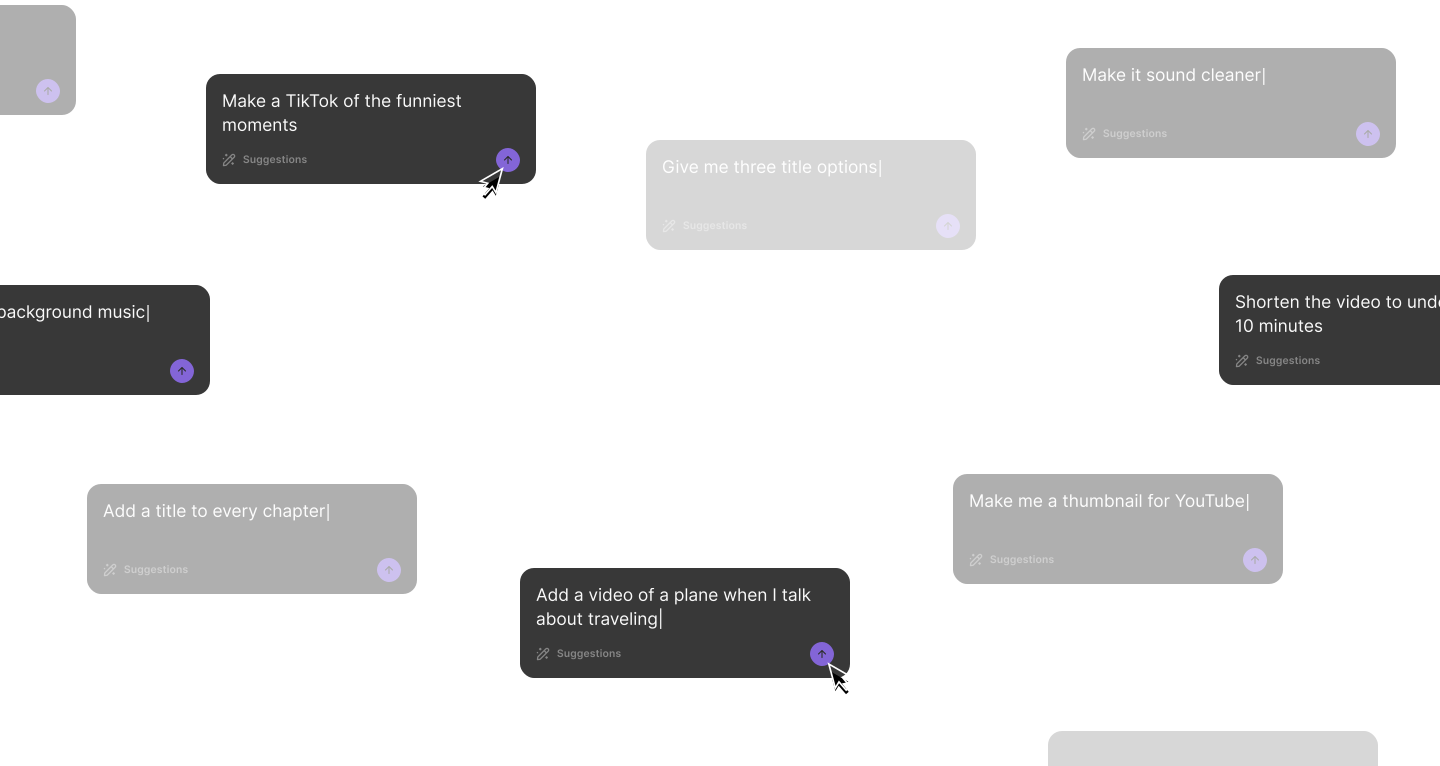
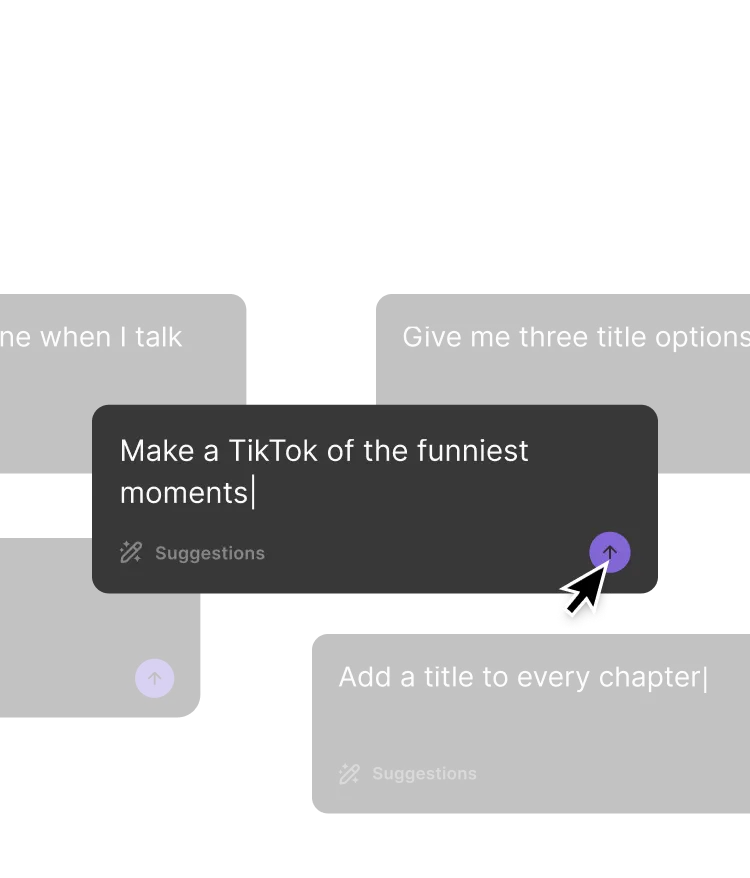
Co-Creator uses the context of your actual recording. You can prompt it to “find the funniest moment” or “write a LinkedIn post about this episode”, and it generates outputs based on your video.
You can integrate Co-Creator into your workflow by using it after recording to edit and repurpose your content in one place. It allows you to move from raw footage to finished assets without leaving your Riverside dashboard.
For example, your workflow could look like this:
You can create many types of videos with Co-creator, including short clips, teaser videos, long-form videos, and highlight reels.
Here are a few examples:
You can optimize your videos for Instagram by prompting Co-Creator with specific Instagram-friendly instructions. You can ask it to generate short, fast-paced Reels, a hook, and even a supporting Instagram caption.
Here are a few workflow examples:
Making a quick Reel: Start by generating an Instagram Reel with Co-Creator using this prompt: “Identify the best moments in the video and generate a 20-30 seconds long Instagram Reel with a fast hook in the first 1.5 seconds, and tight pacing. Cut filler, keep one clear takeaway.”
You can ask for multiple Reel variants with different hooks and the same core point.
Cleaning up a clip: Co-Creator can help you refine and polish an existing clip. Just use this prompt: "Polish this 90 seconds clip by cutting it to 60 seconds, improving pace, and cleaning up filler words. Also, enhance audio, add styled video captions that use my brand kit, and fix eye gaze."
Creating social media assets: You ask Co-Creator to help you with the additional assets with this prompt: "Create an engaging Instagram caption for this episode. Include a hook in the first line, 3 bullet takeaways, and a CTA to comment with a question. Also, suggest 15 relevant, high-traffic hashtags."
You can develop a unique brand voice with Co-Creator by personalizing its writing style inside the editor. Co-Creator allows you to define your tone, audience, and messaging preferences.
To personalize:
After personalization, Co-Creator generates content that reflects your defined brand voice across every asset it will generate.


